Next Room

Our AI product

An AI interior-design tool: upload a room photo or a floor plan and get a render in one of 10+ styles in seconds. For builders, agents and designers.

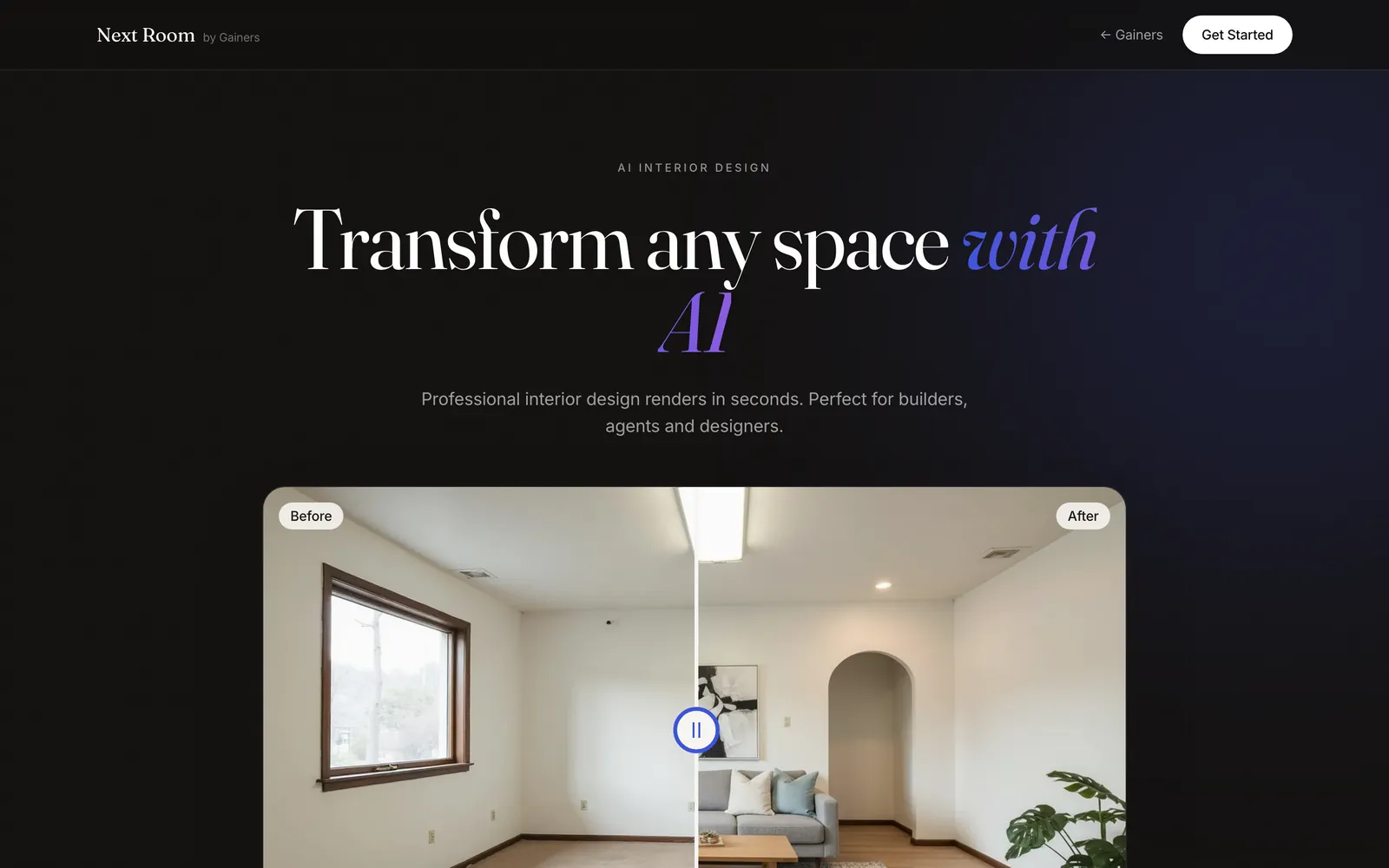
Next Room: website, first screen
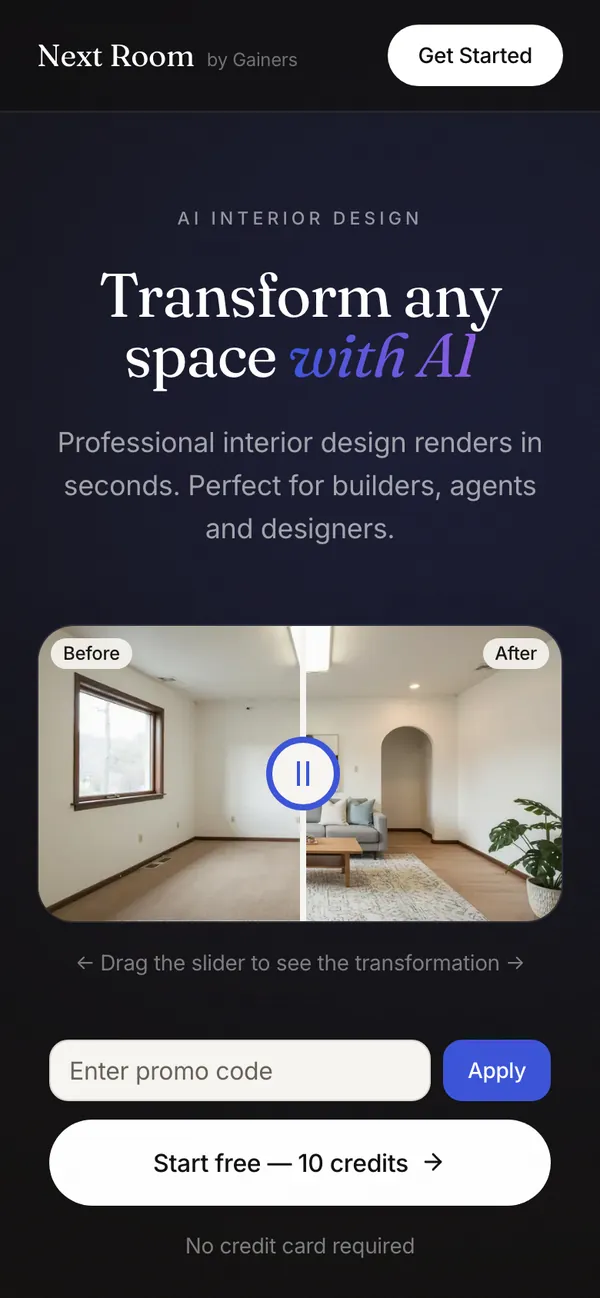
Next Room: website on a phone
Category
Our AI product
Live
gainers.website/nextroom
Parts explained
05
The task

Next Room is our own AI interior-design tool: upload a room photo or a floor plan and get a render in one of 10+ styles in seconds. Its page has to show the result before it explains anything and get builders, agents and designers to try it for free.

What we did
  1. 01Our product
  2. 02AI
  3. 03Web app
Block by block

What each part does, and why

Real screenshots of the live site, desktop and phone. What each part does and why it is built this way.

01 / 05

Proof first: before / after

Under "Transform any space with AI" we place the product itself: an empty room on the left, the furnished render on the right, and a handle with the hint "Drag the slider to see the transformation". The main button, "Start free — 10 credits", carries the offer, and "No credit card required" removes the last reason to hesitate. A promo-code field sits right above it.
  • Product
  • Conversion
  • UX
Next Room: Proof first: before / after
Next Room: Proof first: before / after (phone)
02 / 05

Styles as pictures

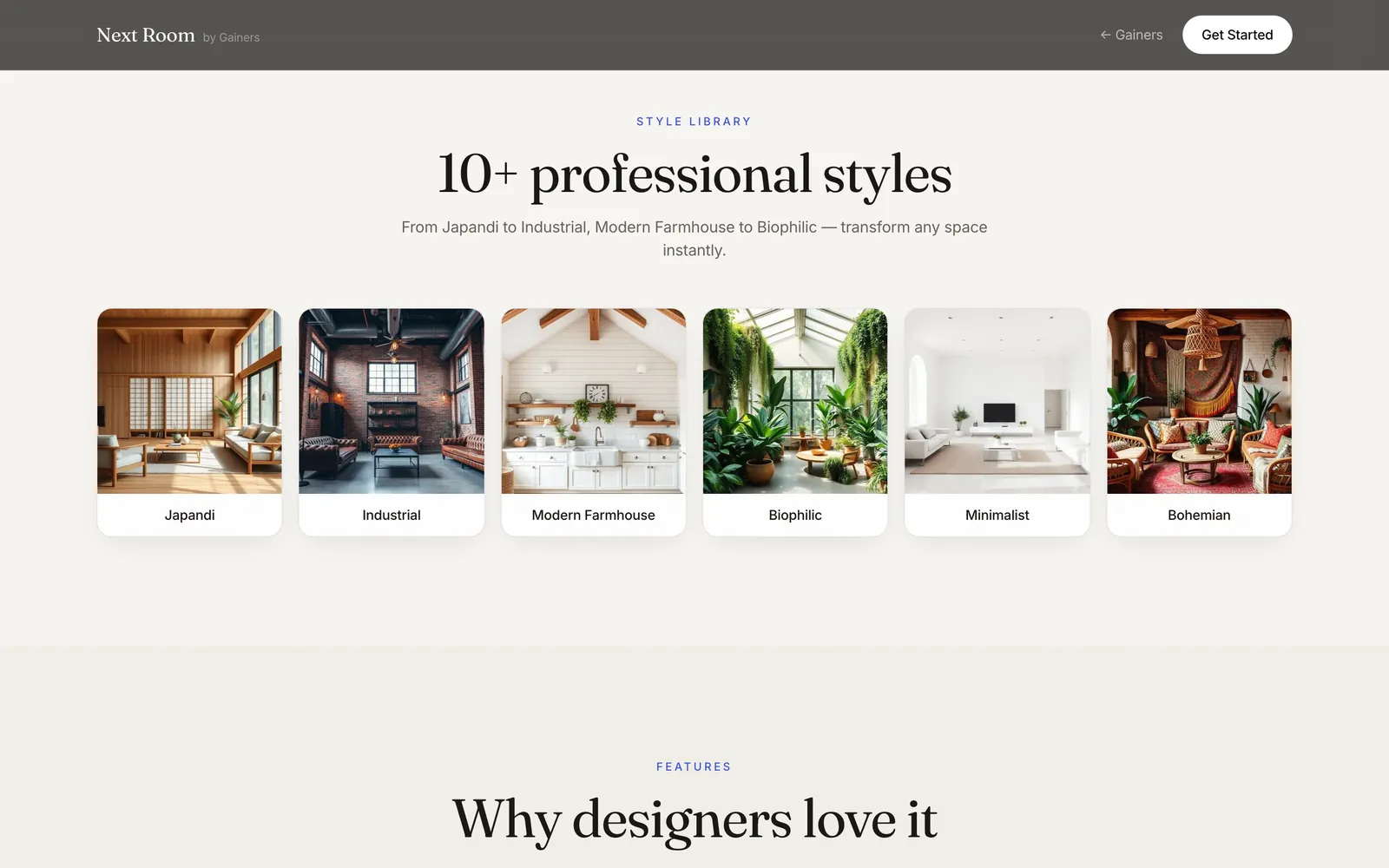
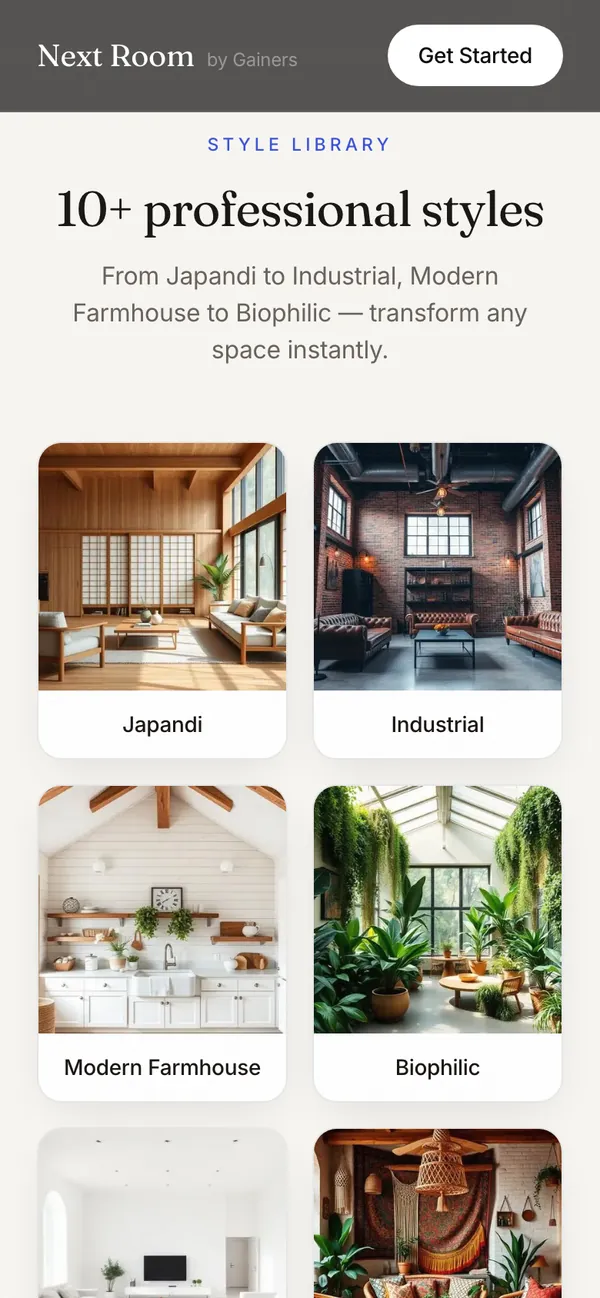
"10+ professional styles" shows the library as six image cards: Japandi, Industrial, Modern Farmhouse, Biophilic, Minimalist and Bohemian. A style name alone means little to a homeowner or an estate agent, so each one is a finished interior they can recognise. On a phone the cards fall into a two-column grid.

  • Product
  • Content
Next Room: Styles as pictures
Next Room: Styles as pictures (phone)
03 / 05

Six features, one line each

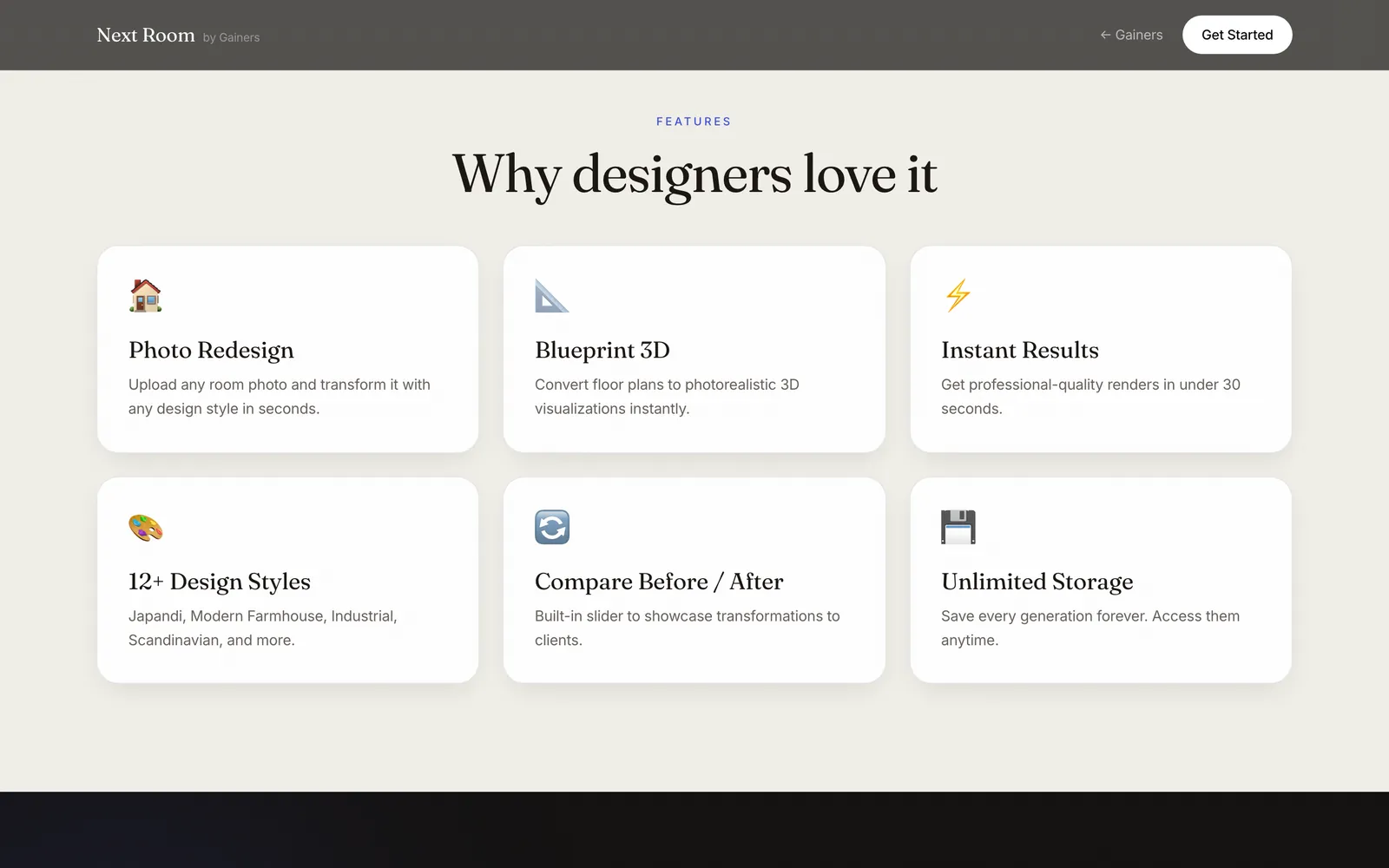
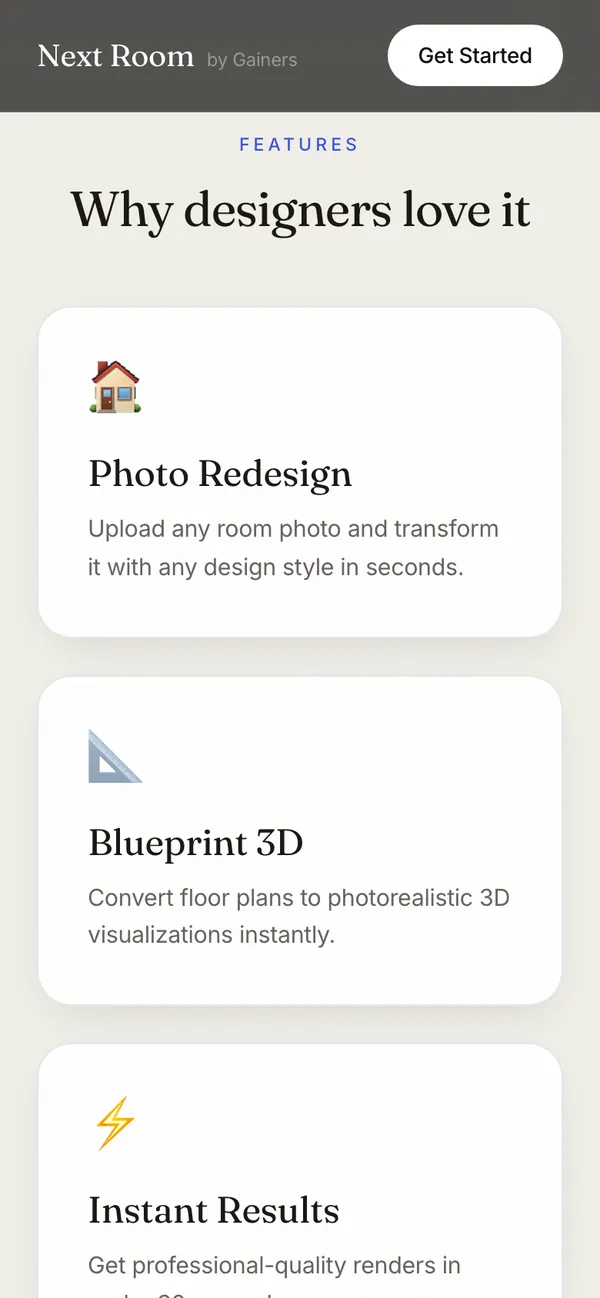
"Why designers love it" lays out six cards in a 3×2 grid: Photo Redesign, Blueprint 3D, Instant Results, Design Styles, Compare Before / After and Unlimited Storage. Each card has an icon, a title and one sentence, for example renders "in under 30 seconds" and floor plans turned into 3D visualisations, so a professional can scan what the tool covers in a few seconds.

  • Product
  • AI
  • Structure
Next Room: Six features, one line each
Next Room: Six features, one line each (phone)
04 / 05

Four steps to a render

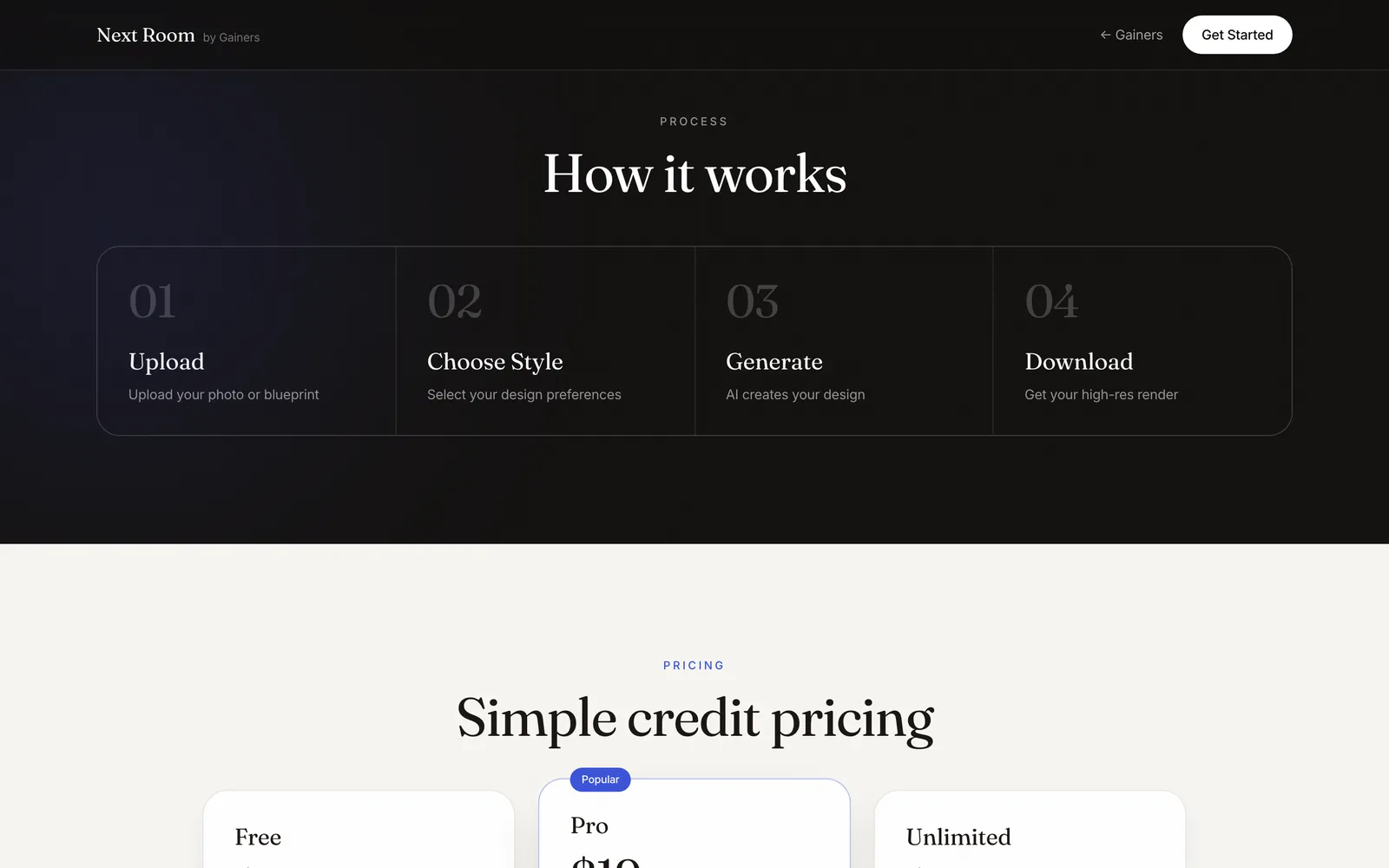
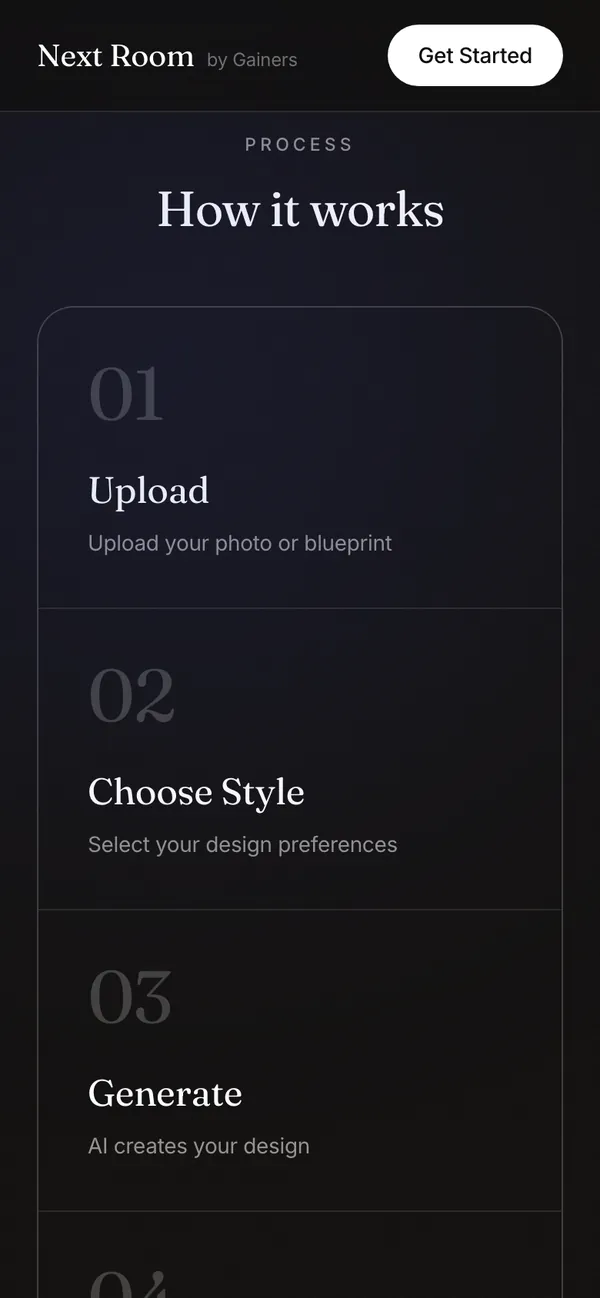
"How it works" returns to the dark background and reduces the process to four numbered steps: Upload, Choose Style, Generate, Download. Each step is two or three words, because the point is to show there is nothing to learn. On a phone the steps stack vertically with large outlined numbers.

  • UX
  • Structure
Next Room: Four steps to a render
Next Room: Four steps to a render (phone)
05 / 05

Three plans, middle highlighted

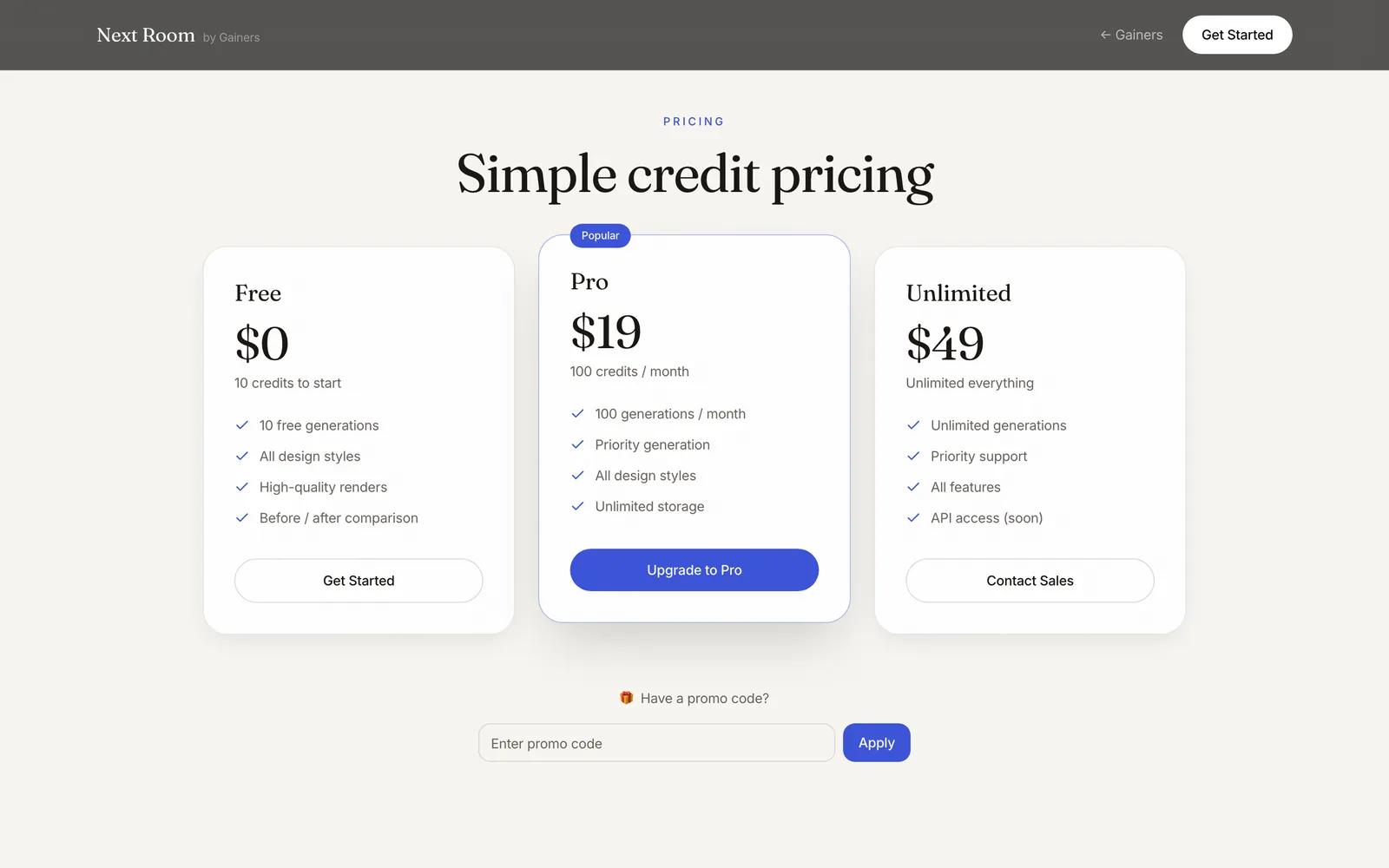
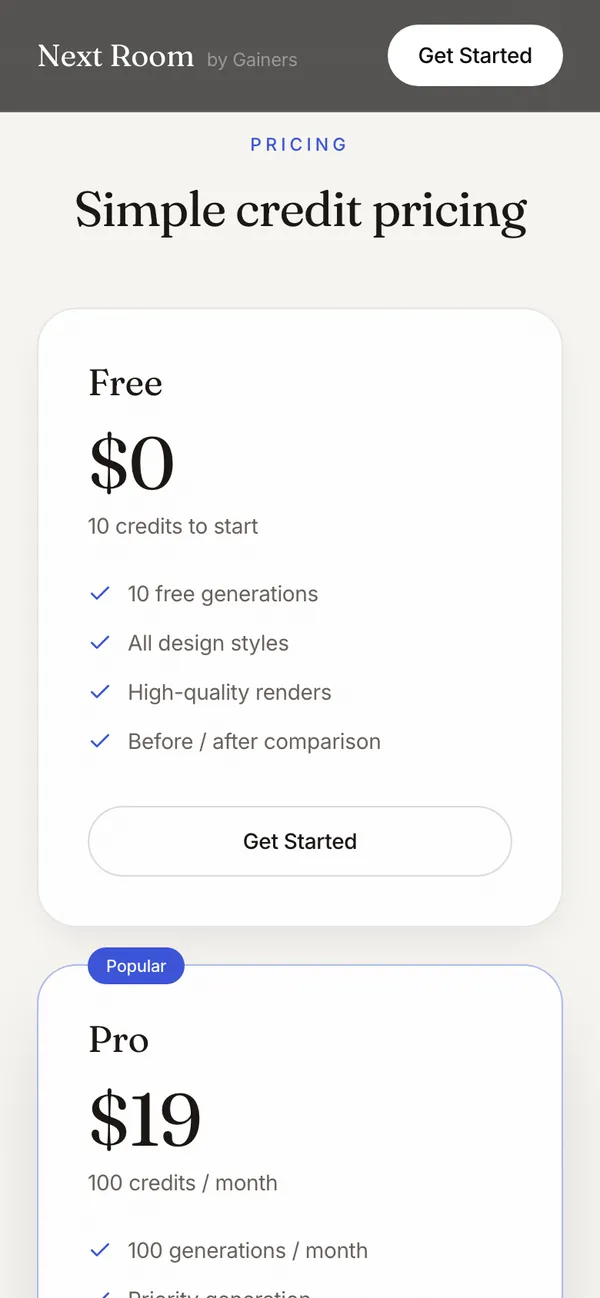
"Simple credit pricing" compares Free, Pro and Unlimited side by side, with Pro raised, marked "Popular" and given the only filled button, "Upgrade to Pro". Free repeats the 10-credit start with "Get Started", and Unlimited goes to "Contact Sales". A promo-code field under the cards closes the page.

  • Conversion
  • Buttons · CTA
Next Room: Three plans, middle highlighted
Next Room: Three plans, middle highlighted (phone)
Inside
  • Interactive before / after slider in the hero
  • Works from a room photo or a floor plan
  • Credit system with promo codes and 10 free credits to start
Enquiry

Have a project like this?

Tell us in a few lines what you are making and for whom. We read every enquiry ourselves and reply personally.